
Table of Contents
Introduction
I get it, YouTube ads can be extremely annoying, especially when you’re a college student and just trying to study or wathcing very important video. It totally breaks the rhythm of your study and it takes time to build that again, I went through the same frustration during my college days, so I started looking for real solutions.
After doing some research, I found that I can use my student email address to get youtube premium at cheap price and also other methods like installing a brave browser that blocks ads or using a VPN.
In this post, I’ll walk you through three practical methods you can use today, and help you choose the best option for your situation.
1) YouTube Student Discount
Step 1: Check the YouTube Student Plan
- Go to YouTube on your PC and login/signup with your email address.
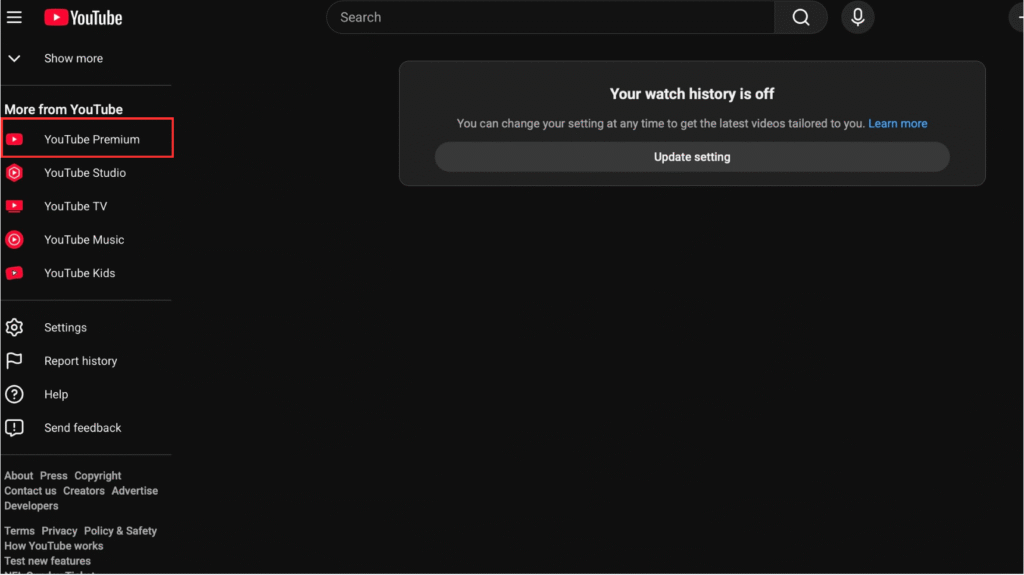
- Now on youtube homepage, on left select the option of YouTube premium under more from YouTube as you can see in Pic 1.
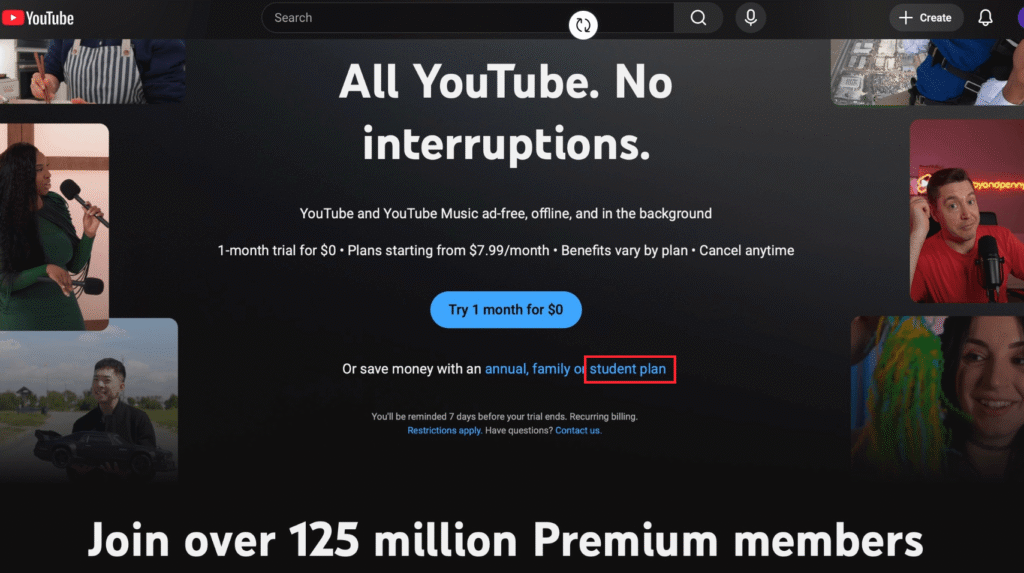
- Now you will see something like save money with an here select “student plan” as in Pic 2.
Step 2: Choose the Student Plan and Start Verification
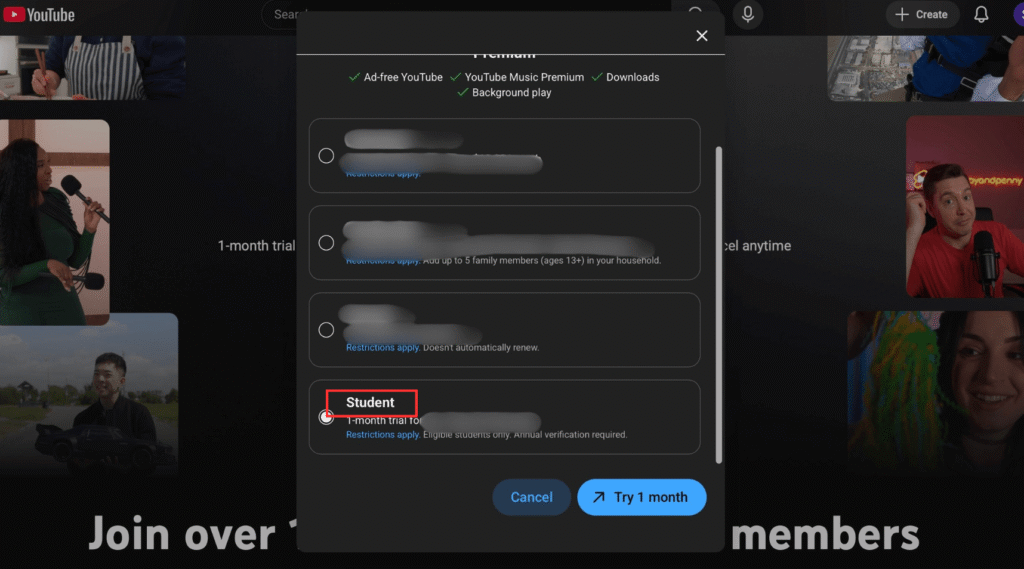
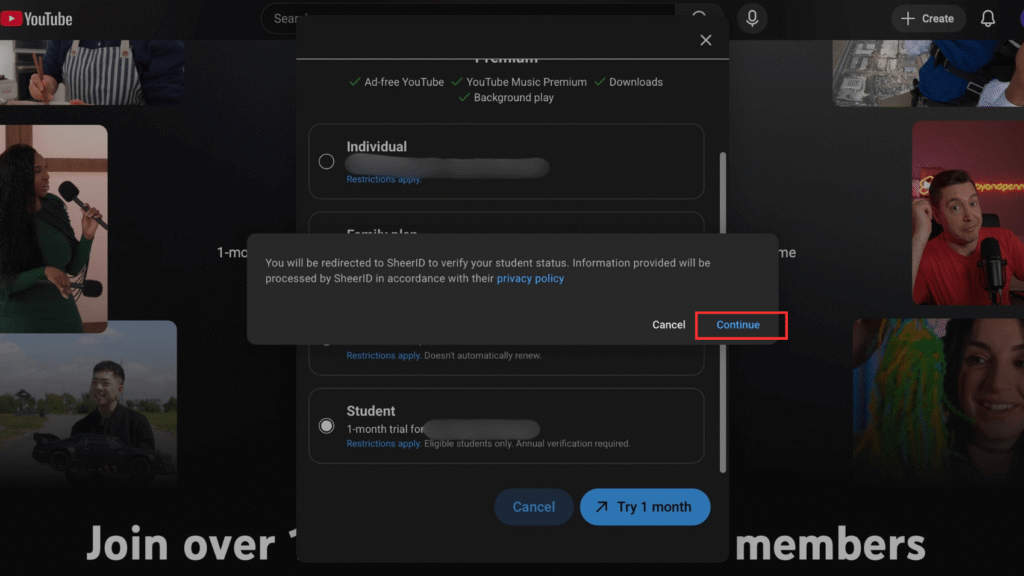
- Ok so now you see the screen like as in Pic 3, where it will ask you to select plan. Select “Student” here and then Try 1 month(or depending upon time maybe be continue).
- Now you may see Pop up to verify your student status click on continue.
Step 3: Verify Your Student Status
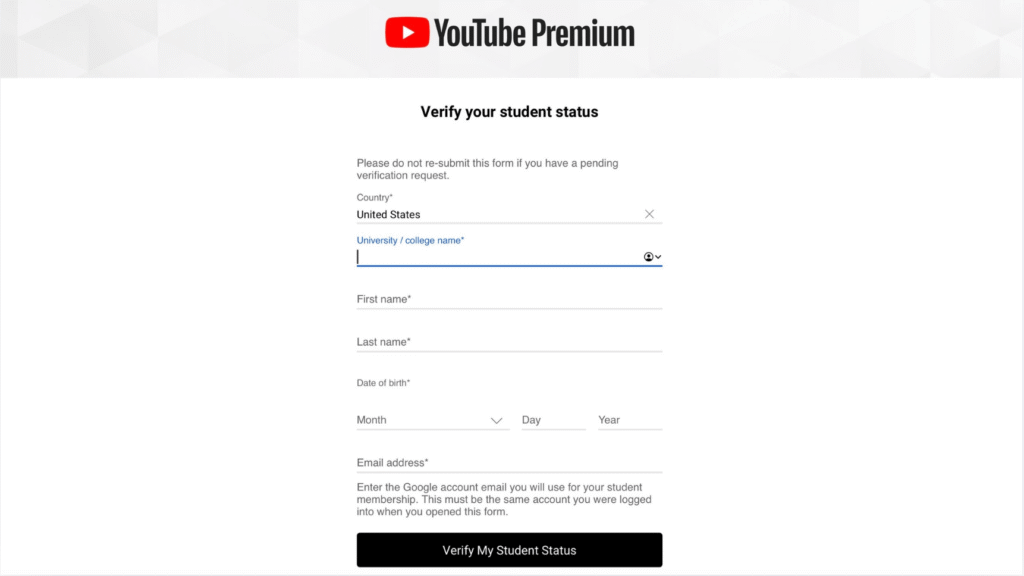
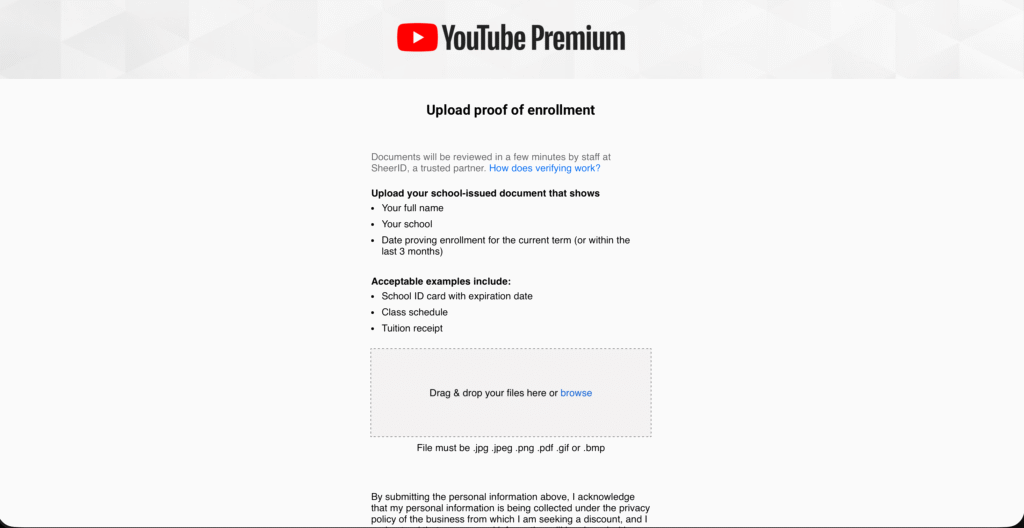
- Now you will be directed to page as you can see in Pic 5. Fill all your student details here and click on “Verify my student status”.
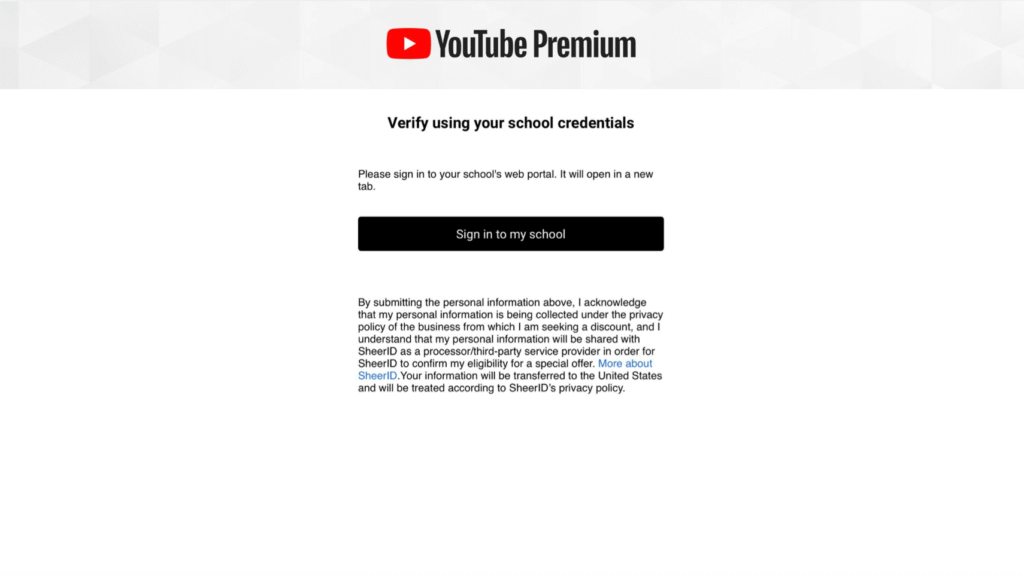
- Now Click on sign in to my school. Now, if you have student email address sign in using it, if not sign in using you personal email.
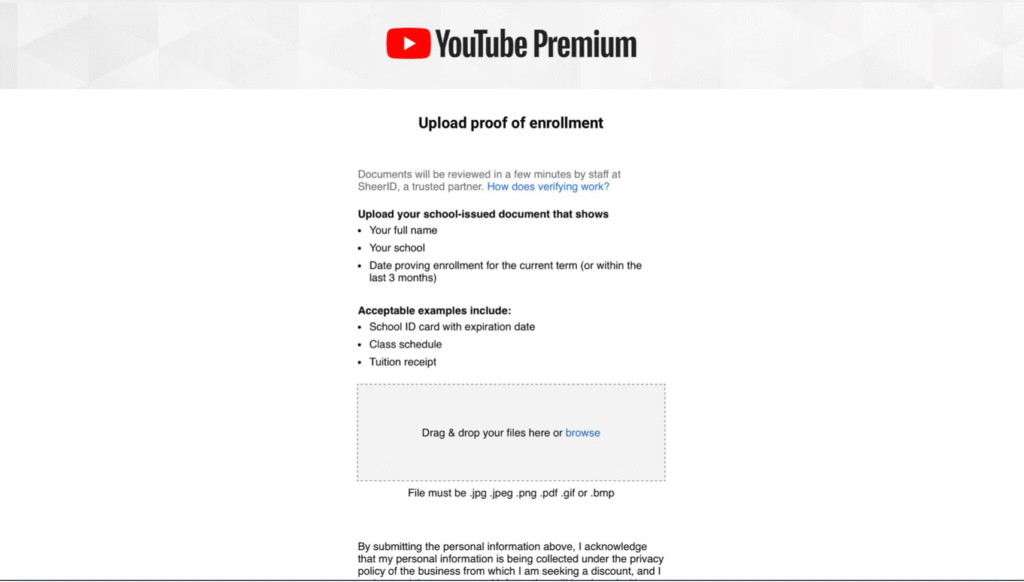
- If you used your personal email now you will be asked to verify your student status using your School ID or any other documents. Upload your documents and Click on Continue.
- Once your verification is approved, congratulations, your YouTube Student Plan will be activated, and you’ll start getting YouTube with fewer or no ads at the student price.
2) Download Brave Browser
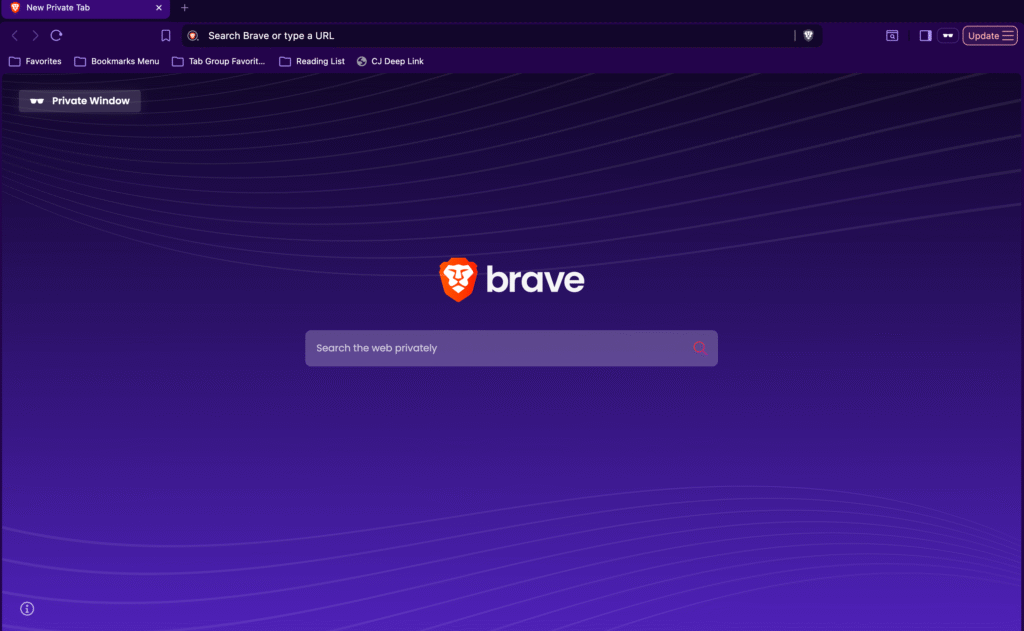
This is one of the best or i would say the best method legally if you want to avoid youtube ads.
I personally use Brave as my main browser every day, especially for watching YouTube lectures and study videos. The experience has been genuinely great fewer interruptions, faster loading, and no need to install extra ad-blocking extensions.
For students who rely on YouTube for learning, tutorials, or long study sessions, this makes a noticeable difference.
Got to Download Brave and download and install it for your device whether its a mac, windows, android or iOS.
3) Using VPN
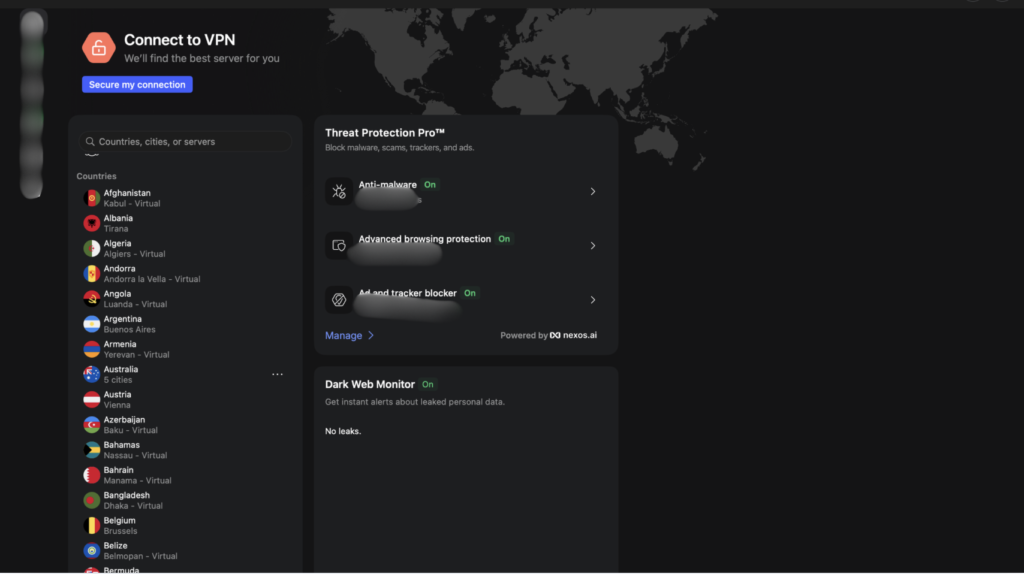
- To use this method, you’ll need a VPN. I personally use NordVPN, and it’s been reliable for me.
- After signing up, open the VPN app and connect to a server in Albania. Albania is known for having very limited YouTube ads, so when you connect through that region, YouTube often plays videos with little to no ads.
- Once connected, you can open YouTube in your browser or desktop app and watch videos with far fewer interruptions. This works well when you want a clean, distraction-free experience without changing your YouTube account settings.
- Just keep in mind this is best used as an occasional option, alongside student plans or browser-based solutions like Brave.
Conclusion
If you use YouTube daily for studying and learning like me these methods will definatly make a big difference. Learning works like a snowball effect: the fewer distractions you have, the easier it becomes to stay focused, and the more effective your learning gets over time.
So if you find this guide really helpful, I would really appreciate it if you share this guide with someone who actually needs it, your friends, your family, or anyone who uses YouTube for learning. And feel free to check out the other posts on my website.
I hope this post helped you make you snowball effect little more better.
FAQ
Q1) Is it legal to watch YouTube ad-free using these methods?
A) Yes. Using the YouTube Student Plan or a privacy-focused browser like Brave is completely legal. Using a VPN depends on how you use it. it’s legal in most countries, but you should always follow YouTube’s terms and local laws.
Q2) Which method is best for students?
A) If you qualify, the YouTube Student Plan is the safest and most reliable long-term option.
If you mainly watch YouTube in a browser for lectures or tutorials, Brave is a great free alternative with fewer ads.
Q3) Will these methods work on mobile too?
A) The YouTube Student Plan works on both desktop and mobile apps.
Brave works best on desktop and mobile browsers.
The VPN method is more useful if you’re using the official YouTube app and already have a VPN installed.