
Table of Contents
Introduction
MacBooks are incredibly popular with students and for good reason. They’re fast, reliable, and great for getting work done.
I still remember getting my first MacBook.I was so excited because It was my first switch from Windows to Mac, and honestly, my productivity jumped almost right away.
But I also made some mistakes early on. I skipped a few small accessories to save money, thinking I didn’t really need them. That turned out to be a bad decision. I ended up buying those same things later after dealing with scratches, wear, and minor damage that could’ve been avoided.
If you’re reading this, you probably already have a MacBook or just bought one for college. Either way, you made a solid choice. A MacBook can handle pretty much everything.
The right accessories, though, make a big difference. They protect your device, make daily use easier, and can genuinely extend the life of your MacBook. From experience, the accessories below can easily add at least one extra year to your MacBook’s life and are the ones i personally use.
List of 5 MacBook Essentials
1) Screen Protector
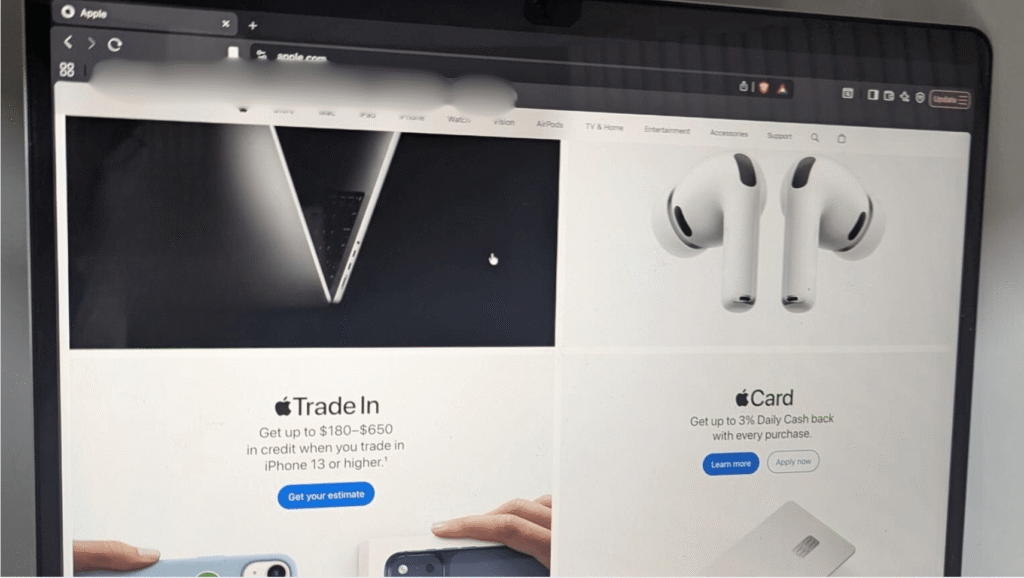
I can’t stress enough how important this is. When I first bought my MacBook, I honestly thought,
why would a laptop need a screen protector?
I had never used one on any of my previous laptops, so I skipped it.
And yes that turned out to be a big mistake.
After an year, I started noticing small scratches on my MacBook screen. I took it to a repair store, and they explained that the screen is one of the most delicate and expensive parts of a MacBook and that a simple screen protector could have prevented most of that damage.
Since then, I’ve been extremely careful with my MacBook’s screen and that’s why I genuinely believe a screen protector is a must-have accessory for anyone using a MacBook, especially students.
2) Water-Resistant Case Bag
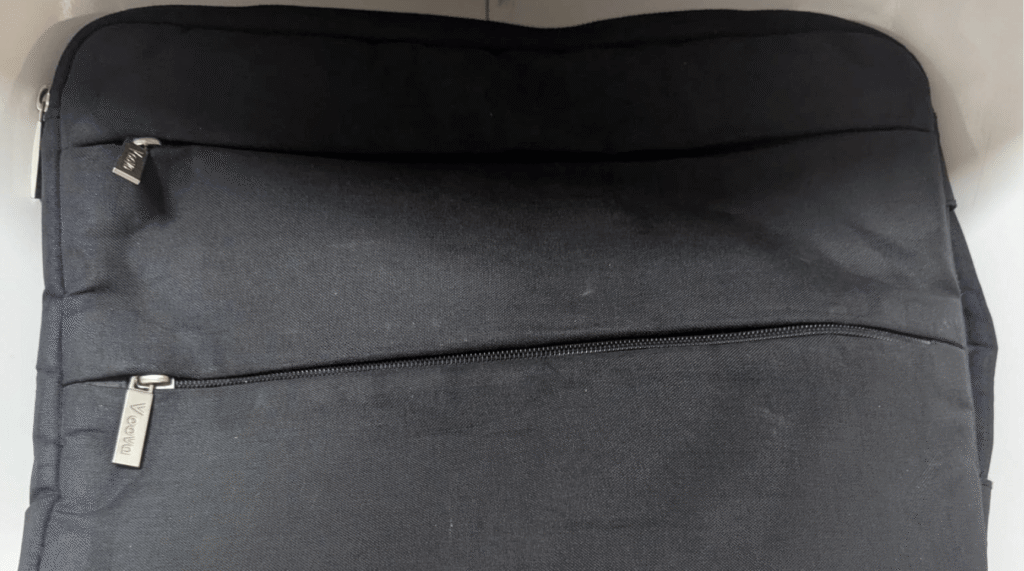
This is one of my favorite accessories I bought with my MacBook, and trust me it’s worth every single penny. I honestly can’t explain how useful it’s been.
Because of this sleeve, I don’t need to carry a big, bulky backpack anymore. I can just slide my MacBook into a small bag and head out. It’s water-resistant, lightweight, and easy to carry anywhere.
I’ve used it everywhere on campus, in cafés, and even while traveling. It also has extra pockets for accessories, so I can keep my charger, cables, pens, and even a small notebook all in one place.
If you use your MacBook daily, this is something you should absolutely have. It’s easily my favorite MacBook accessory, and I highly recommend it.
3) Macbook extension adapter
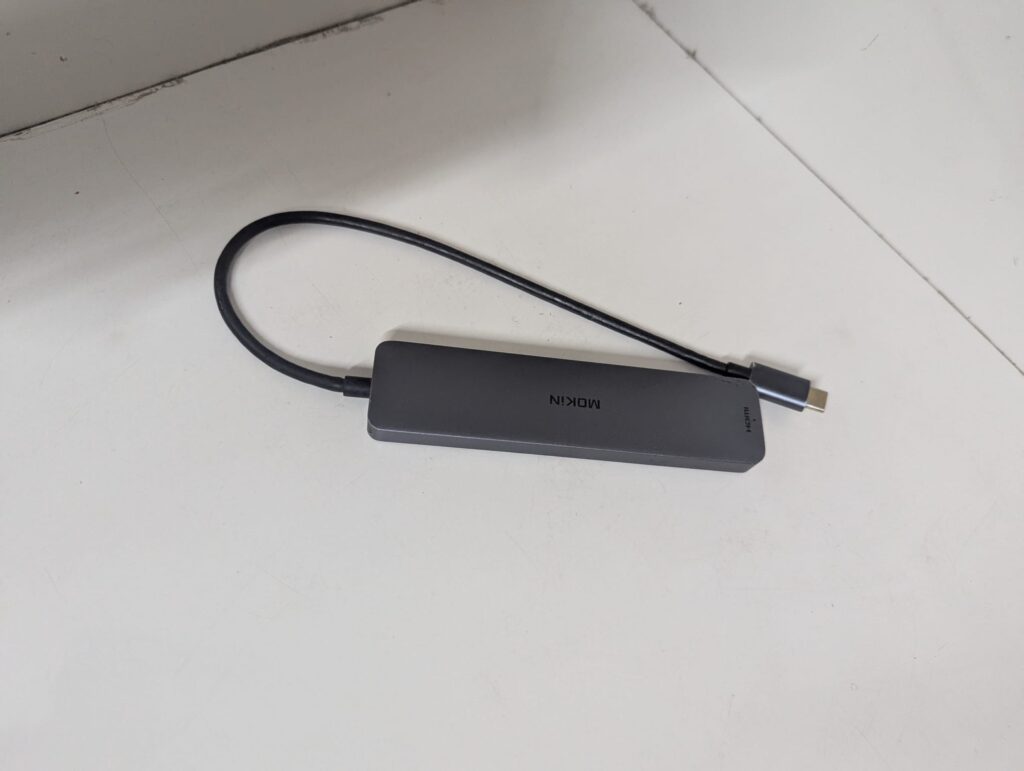
This accessory is especially important if you’re using a MacBook Air. With a MacBook Pro, you have a bit more flexibility, but with the Air, this becomes almost essential.
MacBook Air models don’t come with regular USB ports or an HDMI port. So if you want to connect an external monitor, plug in a USB drive, use a wired mouse or keyboard, or read an SD card, you simply can’t do it without this.
I bought this hub with my MacBook, and I use it all the time for monitors, accessories, and everyday work. If you plan to use your MacBook Air seriously for college, this isn’t optional. It’s just as important as having a mouse or keyboard.
4) External ssd
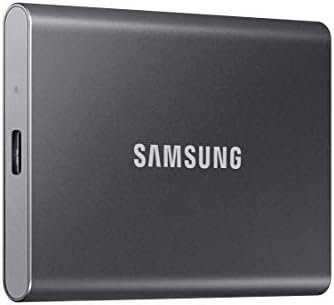
- MADE FOR THE MAKERS: Create; Explore; Store; The T7 Portable SSD delivers fast speeds and durable features to back up an…
- SHARE IDEAS IN A FLASH: Don’t waste a second waiting and spend more time doing; The T7 is embedded with PCIe NVMe techno…
- ALWAYS MAKE THE SAVE: Compact design with massive capacity; With capacities up to 4TB, save exactly what you need to you…
If you’re using a MacBook Air with 256 GB storage, hear me out this is one of the best investments you can make.
I know how frustrating Apple’s storage pricing is when it comes to the jump from 256 GB to 512 GB. It costs way more than it should, and for most students, it honestly doesn’t make sense. That’s why external storage is the way to go and save money.
Personally, I bought a Samsung external SSD, and it’s been worth every penny. Even though my MacBook Air has 512 GB, I still rely on the SSD for college work, projects, and personal files. It keeps my MacBook fast and clutter-free.
If you want to save money, buy the 256 GB MacBook and an external storage instead of spending on 1TB Macbook. You can use it for school projects, work files, backups, and file transfers not just with your MacBook, but with other devices too.
It’s practical, flexible, and something you’ll use way more than you expect. Easily one of the smartest accessories you can buy as a student.
5) Mouse
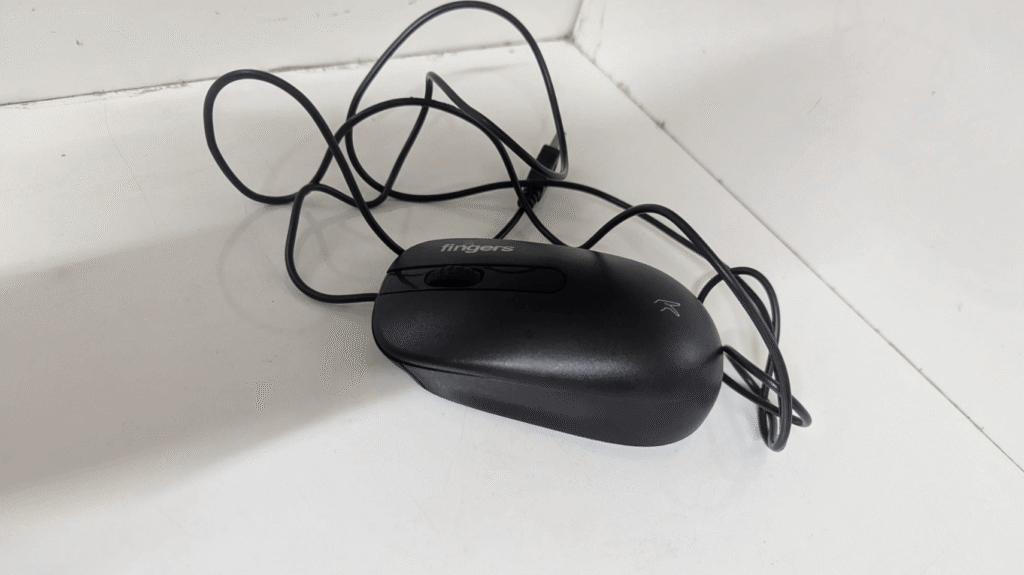
I know this might sound cliché, but trust me on this one. I’ve used my MacBook long enough to say this with confidence.
The MacBook trackpad is great , Apple did an amazing job with it. But when it comes to real work, especially in a fast-paced study or work environment, a mouse is simply more efficient. Tasks feel quicker, more precise, and less tiring over long sessions.
For me, it’s also about comfort. Using only the trackpad for hours started causing wrist pain. Once I switched to an external mouse, the strain reduced a lot, and my workflow felt smoother and more natural.
If you use your MacBook daily for classes, assignments, or projects, do yourself a favor and get a mouse. It’s a small upgrade, but the difference it makes in productivity and comfort is huge. You’ll genuinely thank yourself later.
Bonus Mentions
These are just bonus mentions, but they’re still really useful. I personally use most of them, and they’ve been genuinely convenient and worth the money.
I don’t recommend things I haven’t tried or wouldn’t use myself. Everything listed here is something I’ve actually used with my MacBook and found helpful in day-to-day college life. They’re not mandatory, but they’re definitely worth checking out if you want to make your setup even better.
1) Webcam Cover
![CloudValley Webcam Cover Slide[2-Pack], 0.023 Inch Ultra-Thin Met...](https://m.media-amazon.com/images/I/41PXfQ8766L._AC_.jpg)
- [Fashion] webcam cover feature a subtle design which compliments the beautiful aesthetic of Top devices.
- [Elegant] beautifully layered in a matte black, clean minimalist design.
- [Compatibility] 0.023in(0.6mm) Thin design makes it compatible with MacBook Pro 15 inch / 13 inch Version, MacBook Air 1…
I have been using webcam covers for quite a while now, and honestly, I wouldn’t go without them. With all the growing concerns around privacy — and knowing that even tech professionals use them — I started adding webcam covers to all my devices.
At first, some people find it a little weird when they notice it. But privacy matters, and this is one of those small things that gives real peace of mind. It’s simple, cheap, and does exactly what it’s supposed to do.
2) Cleaning Kit

- 【UPGRADED LAPTOP CLEANING KIT 】 The macbook cleaning kit computer screen cleaner comes with a number of accessories incl…
- 【PROFESSIONAL KEYBOARD CLEANING KIT】 The laptop screen cleaner keyboard cleaner can pull out the keycaps of gaming keybo…
- 【OFFICE DESK ACCESSORIES】This keyboard cleaner kit is easy to use and can clean your keyboard and electronic screen with…
I’ve personally used cleaning kit, and it’s surprisingly useful especially for keyboard keys, where dust and dirt are really hard to remove.
I also use it for my other devices, like my mouse and screen, so it’s not just a one-time thing. If you want to keep your MacBook clean and looking new, this is a simple and affordable accessory that actually does the job.
3) Keyboard

- All-day Comfort: The design of this standard keyboard creates a comfortable typing experience thanks to the deep-profile…
- Easy to Set-up and Use: Set-up couldn’t be easier, you simply plug in this corded keyboard via USB on your desktop or la…
- Compatibility: This full-size keyboard is compatible with Windows 7, 8, 10 or later, plus it’s a reliable and durable pa…
This one is pretty obvious, and that’s why I didn’t put it in the MacBook Essentials list. MacBook keyboards are already some of the best you can use, and most of the time, you won’t need an external keyboard.
That said, there are situations where it becomes really useful like when you’re using your MacBook on a stand, working from a distance, or running a multi-screen desktop setup. In those cases, an external keyboard makes things much more comfortable.
I don’t use an external keyboard every day, but I do use one when my setup calls for it. It’s one of those accessories you might not need all the time, but when you do need it, you’ll be glad you have it.
4) Laptop Stand

- Broad Compatibility: Besign LS03 Laptop Stand is compatible with all laptops from 10”-15.6”, such as Air 13, Pro 13 / …
- Ergonomic Design: This LS03 Laptop Stand could elevate your laptop by 6’’ to a perfect viewing level, help you improve y…
- Stable And Protective: This laptop stand is made of premium Aluminum alloy, it is sturdy, support up to 8.8 lbs(4kg), no…
A lot of students and working professionals use a laptop stand and for good reason. Personally, I don’t use a proper stand all the time, but I do make sure my MacBook screen is raised when I’m working for long hours.
Keeping the screen at eye level really helps reduce neck and shoulder pain, especially during long study or work sessions. Even a small height adjustment makes a big difference in comfort and posture.
So while you don’t have to buy an expensive laptop stand, having something to elevate your MacBook is important. It protects your neck, improves posture, and makes long hours on your MacBook much easier on your body.
Conclusion
Your MacBook is already a powerful machine, but the right accessories make a real difference over time. They help protect your device, improve comfort, and make everyday work easier especially during long study sessions.
You don’t need to buy everything at once, and not every accessory is a must-have. But choosing a few smart ones early can save you money, prevent damage, and help you use your MacBook more comfortably for years.
Think of these accessories as small upgrades that protect a big investment. Set your MacBook up the right way now, and future you will be glad you did.
If you’re still deciding on a laptop or thinking about an upgrade, you might find these guides helpful too:
- Best Laptops for Psychology Students Under $500(USD) in 2026(updated) | Reviews & FAQ
- 10 Best Laptops Under $1000 for CS Majors (2026)
- Top 6 Laptops for Canadian Students Under $800 CAD (2026 Edition)
They break things down by budget and major, so you can pick something that actually fits your needs not just what’s popular.
FAQ
Q1) Do I really need all these accessories right away?
A) No. You don’t need to buy everything at once. Start with the most important ones (like protection and connectivity), then add others as your setup grows and your needs change.
Q2) Are these accessories only for MacBook Air users?
A) Most of these accessories work for both MacBook Air and MacBook Pro. That said, MacBook Air users benefit more from things like USB-C hubs and external storage because of limited ports and base storage.
Q3) Will these accessories actually help my MacBook last longer?
A) Yes. Accessories like screen protectors, sleeves, external storage, and proper ergonomics help prevent damage, reduce wear, and make long-term use more comfortable which can easily extend your MacBook’s lifespan.